June is Internet Safety Month which is a perfect segue as Summer Break means our kids will be spending more time online. And my daughter is no different, my daughter online usage increases daily so her online safety is a daily concern but with these five Google tools that every parent should know about, I will at least feel good (for today) that I am informed about keeping my child safe online.
Remember that having an open dialogue and a continuing dialogue about how to stay safe online is as important as us, parents being aware of tools that are available to help us keep our kids safe online
5 Google Tools Every Parent Should Know to Stay Safe Online
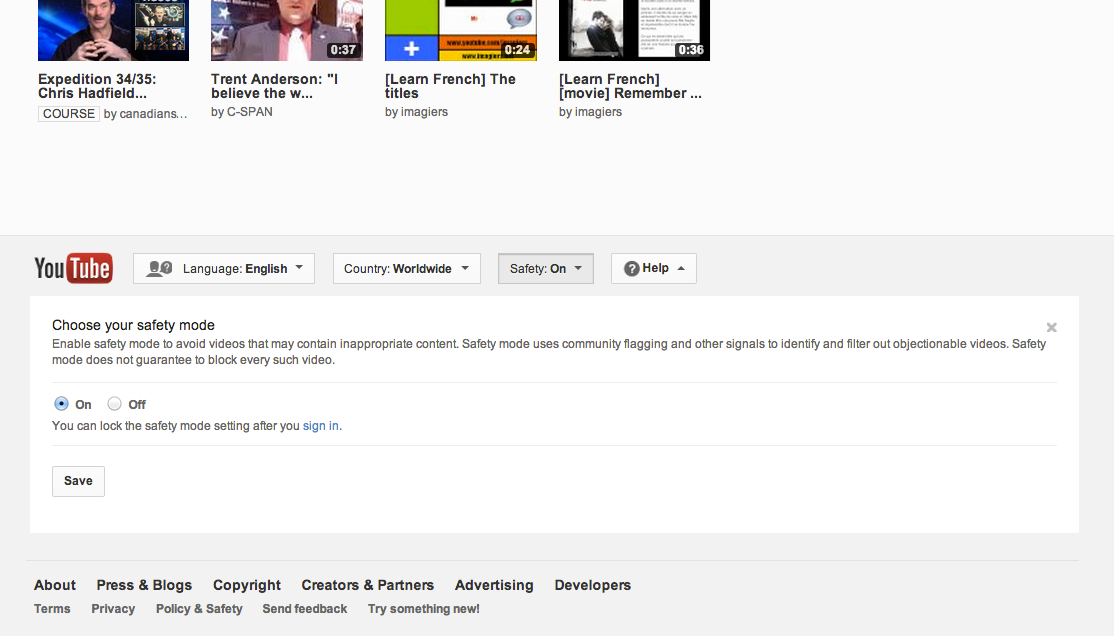
Turning on SafetyMode in YouTube is easy. Just scroll down to the bottom of any YouTube page and click on the button that says “Safety” at the bottom of the page switch it on. You can also log in with a YouTube account and lock SafetyMode as your default setting on each one of your computer browsers. It will filter out videos with mature content or that have been age-restricted, so they will not show up in video search, related videos, playlists, shows or films. While no filter is 100% accurate, SafetyMode on YouTube helps identify and hide inappropriate content that you might not want popping up on the family computer. It is also will help hide objectionable comments. Learn how to turn on and lock Safety Mode on YouTube.
-
SafeSearch in Google Search.
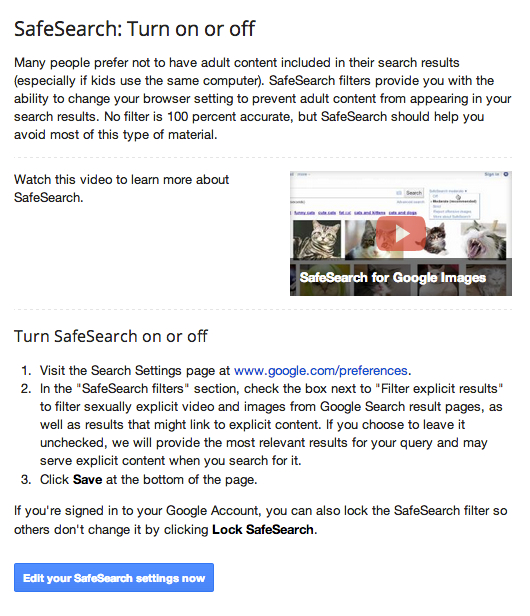
SafeSearch is a filter that keeps many of the adult results you might not want popping up on the family computer out of your Google Search results. While no filter is 100% perfect, with SafeSearch on you can feel more confident browsing the web with your family. You can also lock SafeSearch on your computer by logging into your Google account and changing your settings.
-
Flags on YouTube
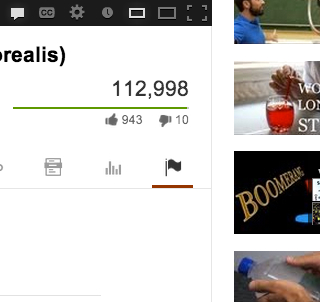
If you see something you don’t like, you can say something. On every single video on YouTube, there is a flag that you can use to report a video if you don’t think it is appropriate and violates YouTube’s Community guidelines, including content that is violent, sexual or hateful. Flagged videos and channels are reviewed by YouTube staff 24 hours a day, seven days a week to determine whether they violate our Community Guidelines. Flagged videos that violate our guidelines are removed from YouTube. Accounts are penalized for Community Guidelines violations and serious or repeated violations can lead to account termination. You can also flag abusive comments. Check out more tips at the YouTube Safety Hub.
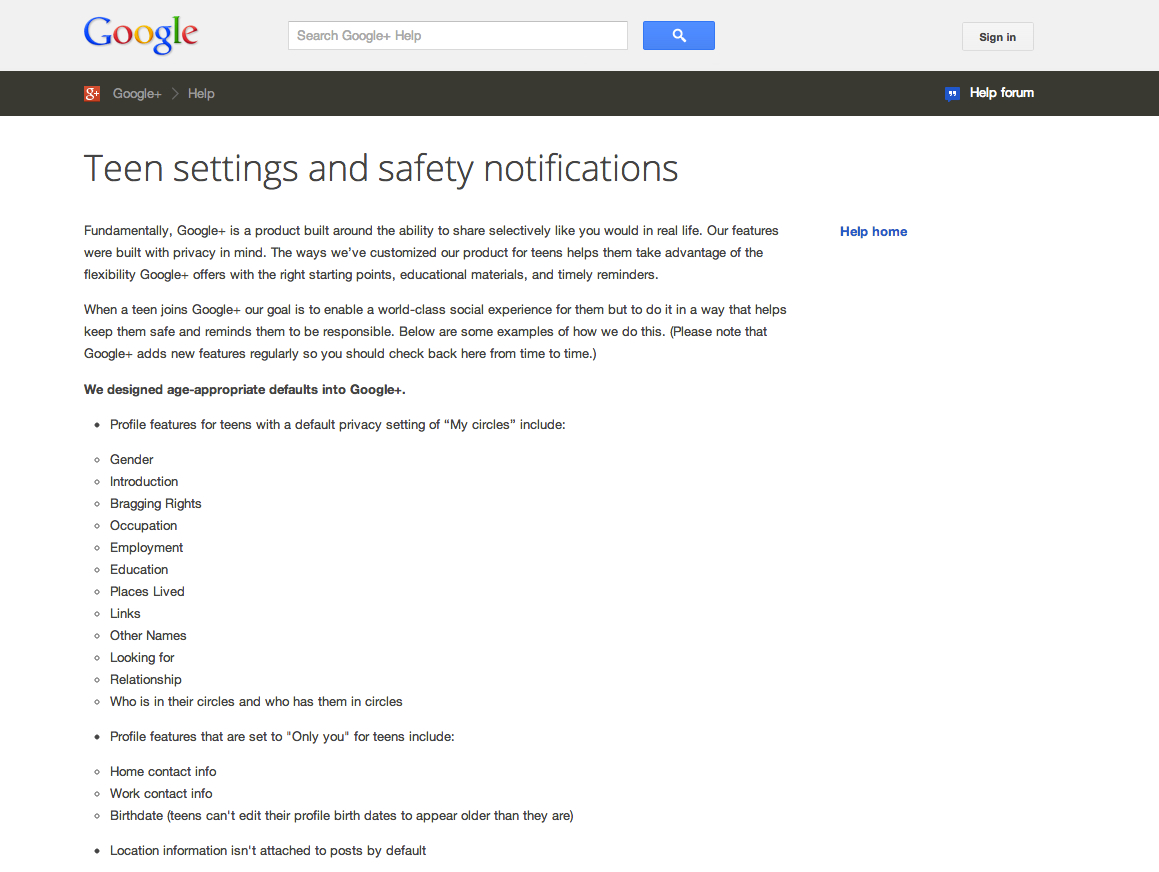
You might not want to share the same photos with your boss as you would with your family. And you might not want your teen to have all the same ways to share that you do. Google+ is built to share selectively like you would want to in real life. Google+ is customized for teens helps them take advantage of the flexibility Google+ offers with the right starting points, educational materials, and timely reminders. When a teen joins Google+ they have different default settings to help keep them safe and remind them to be responsible. Here are some examples.
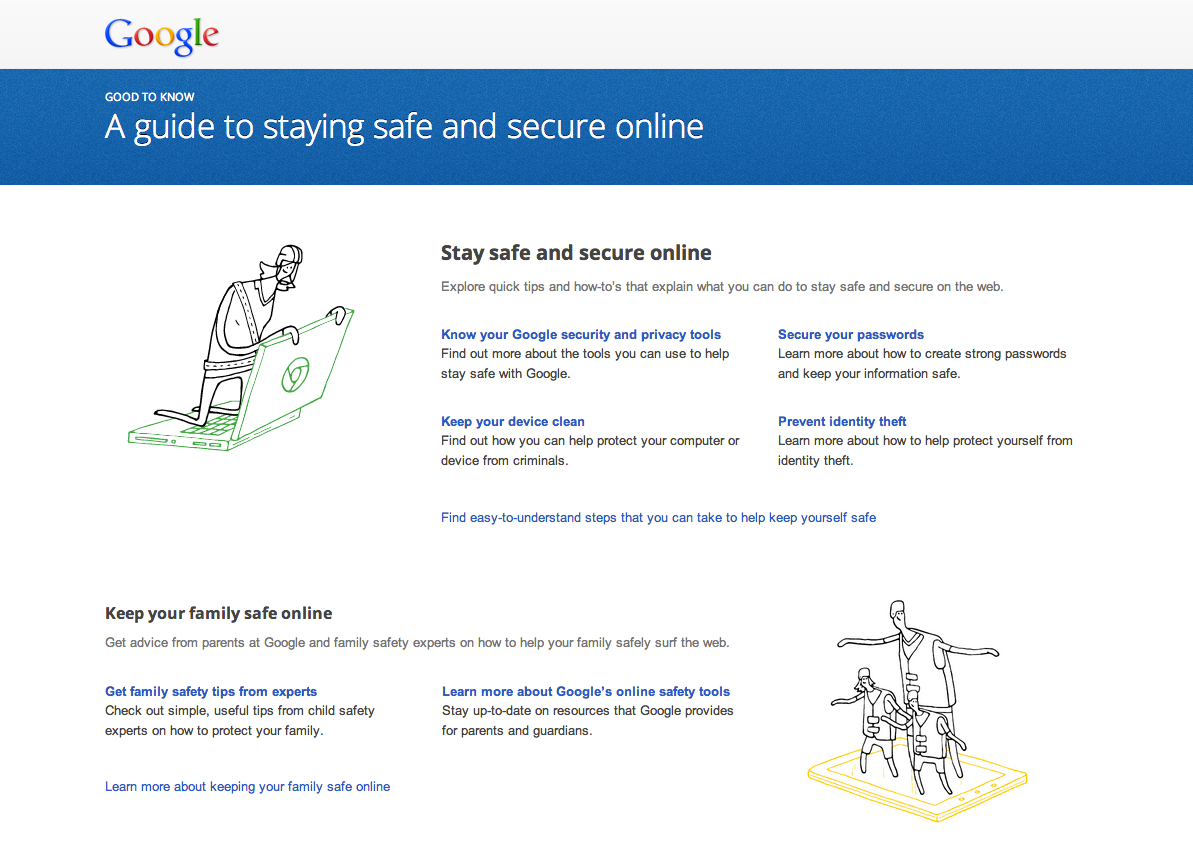
Google’s Good to Know website is a one-stop shop for information about the web and advice about how to keep yourself and your family safe and secure online. You can learn more about Google’s privacy and safety tools for families, get tips from parents at Google about family safety, and find out more what Google does to protect you, your family, and the Internet.
Disclosure: NYC Single Mom was not compensated for this post.